Demo

Piano teacher, in motion

Drop in a music file and the app takes it from there. It works out which notes belong to your left hand and which to your right, cuts the piece into short fragments, and teaches you one fragment at a time. Here is what that looks like.

Open the app

In motion

Four recordings, in the order you meet the app: opening a file, playing along, practising one hand, and working through the piece bit by bit.

Opening a file

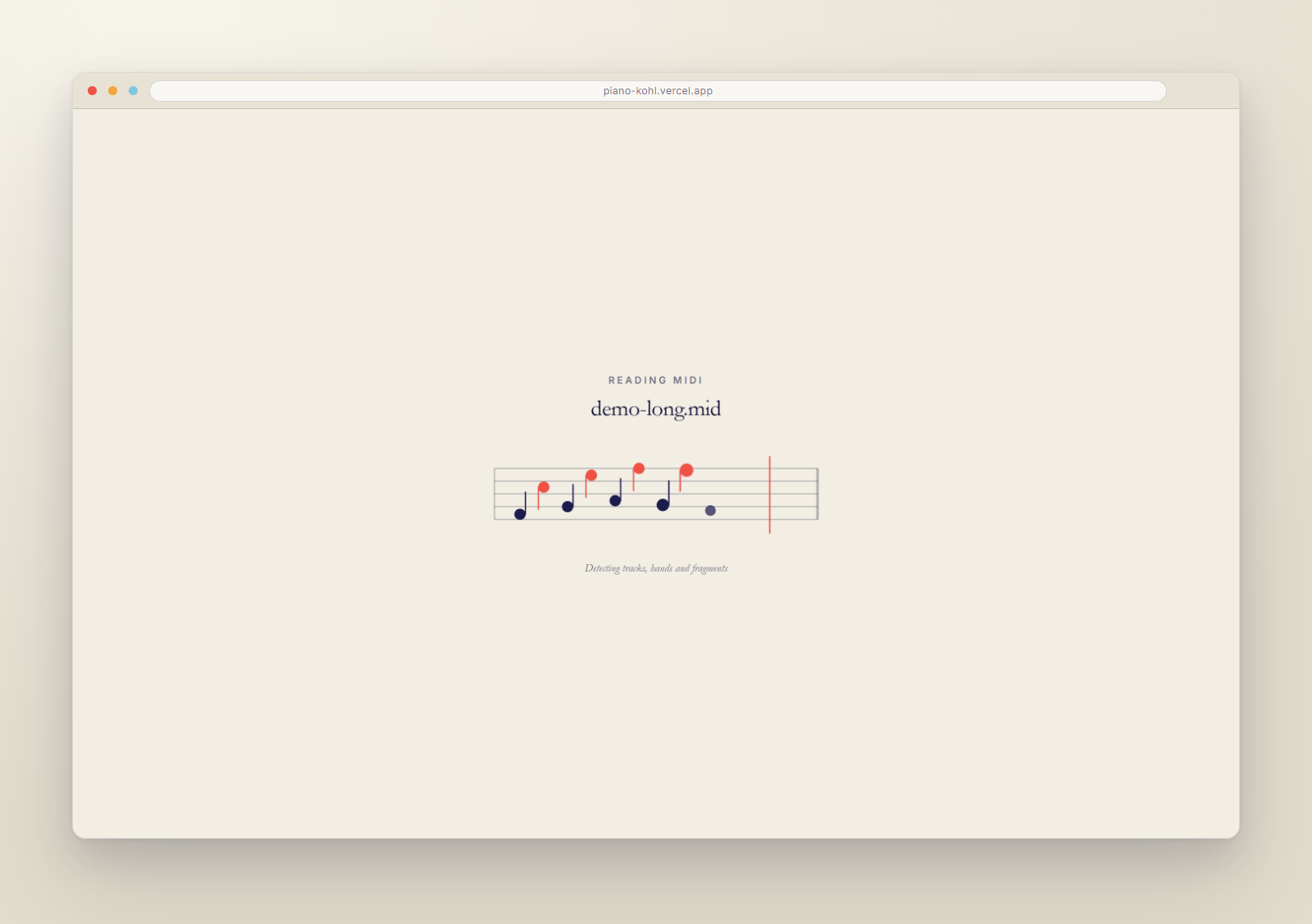
You drop a file on the screen and the app reads it while you watch. Notes appear on the staff as it finds them: the low ones in blue for your left hand, the high ones in orange for your right. Those two colours come back everywhere in the app, so you always know which hand a note belongs to.
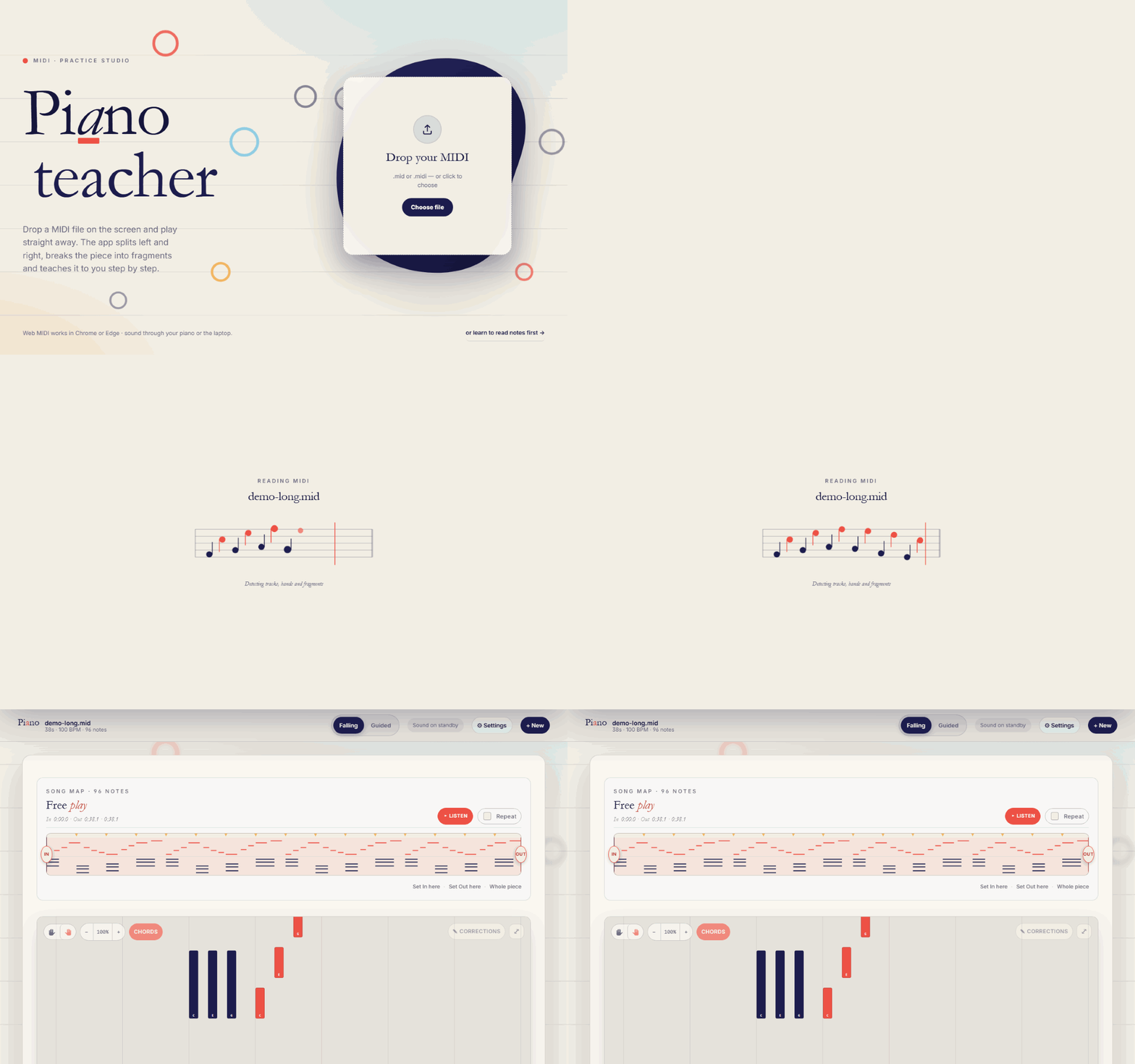
The app reading a file

Playing along

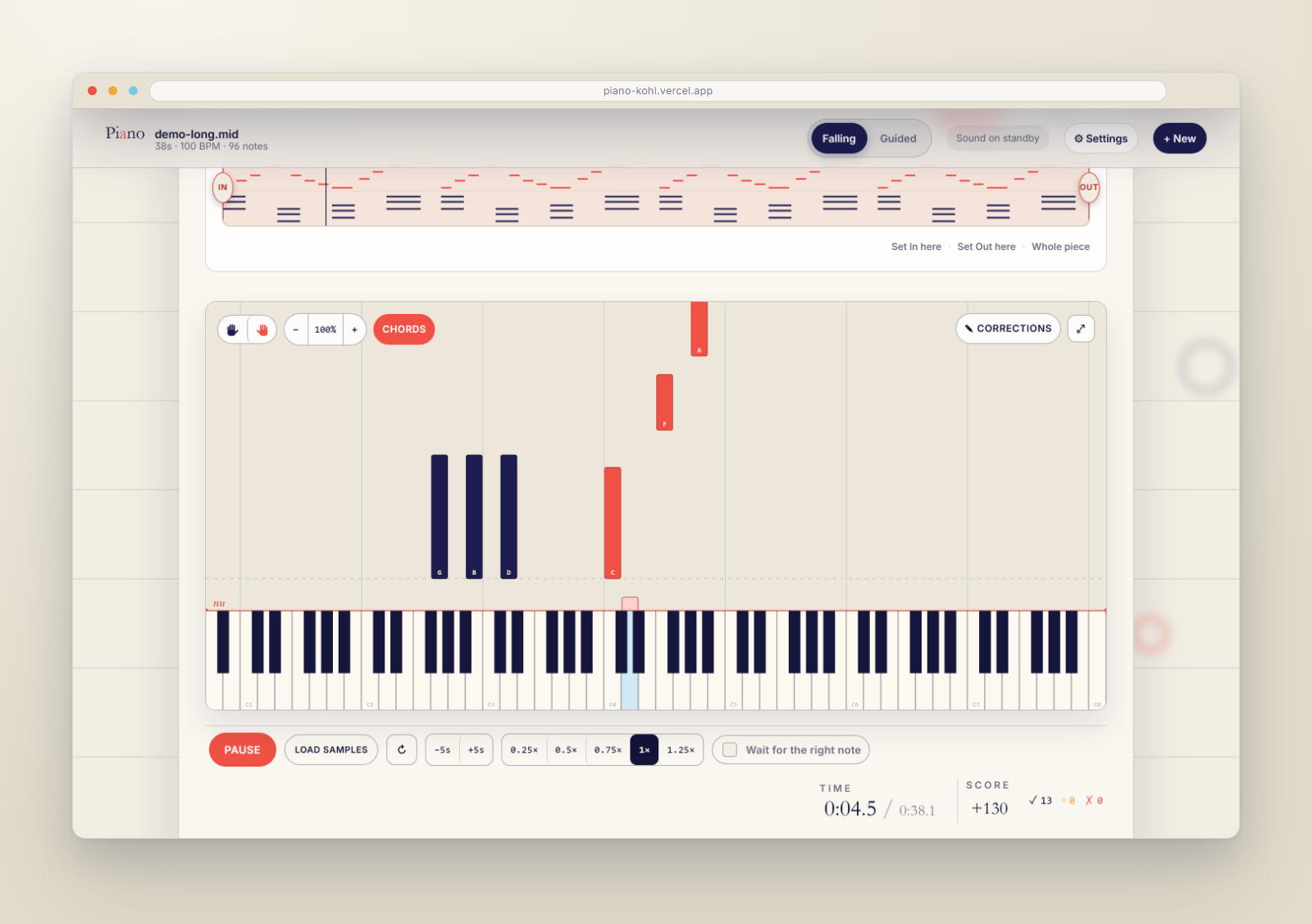
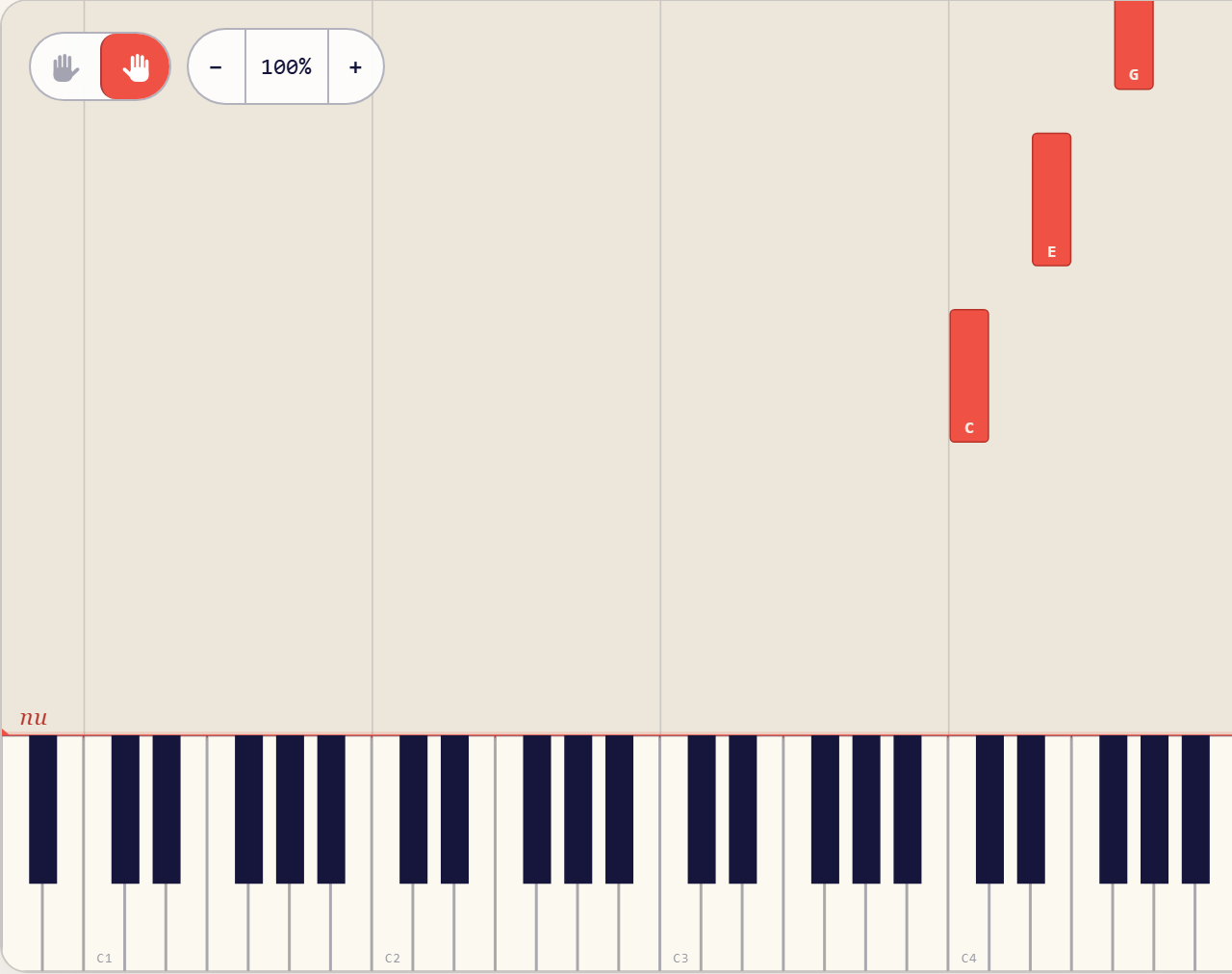
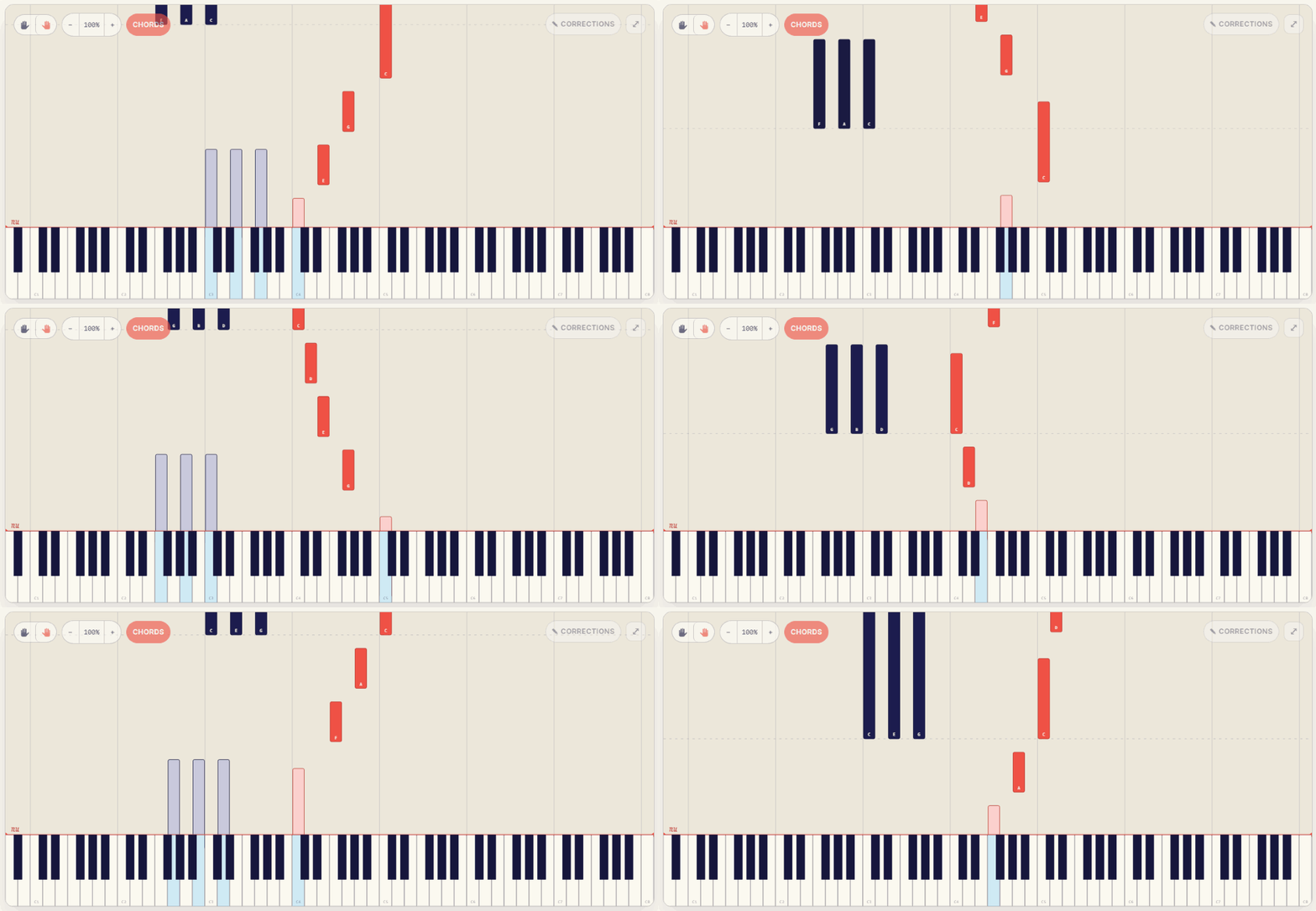
The notes come down towards the keyboard. Play one at the right moment and the key lights up and the note fades, so you can see at a glance what you already got. In this recording the app plays the piece itself, so you can see what a clean run looks like: eighteen notes right, nothing missed.

Notes falling towards the keyboard

Practising one hand

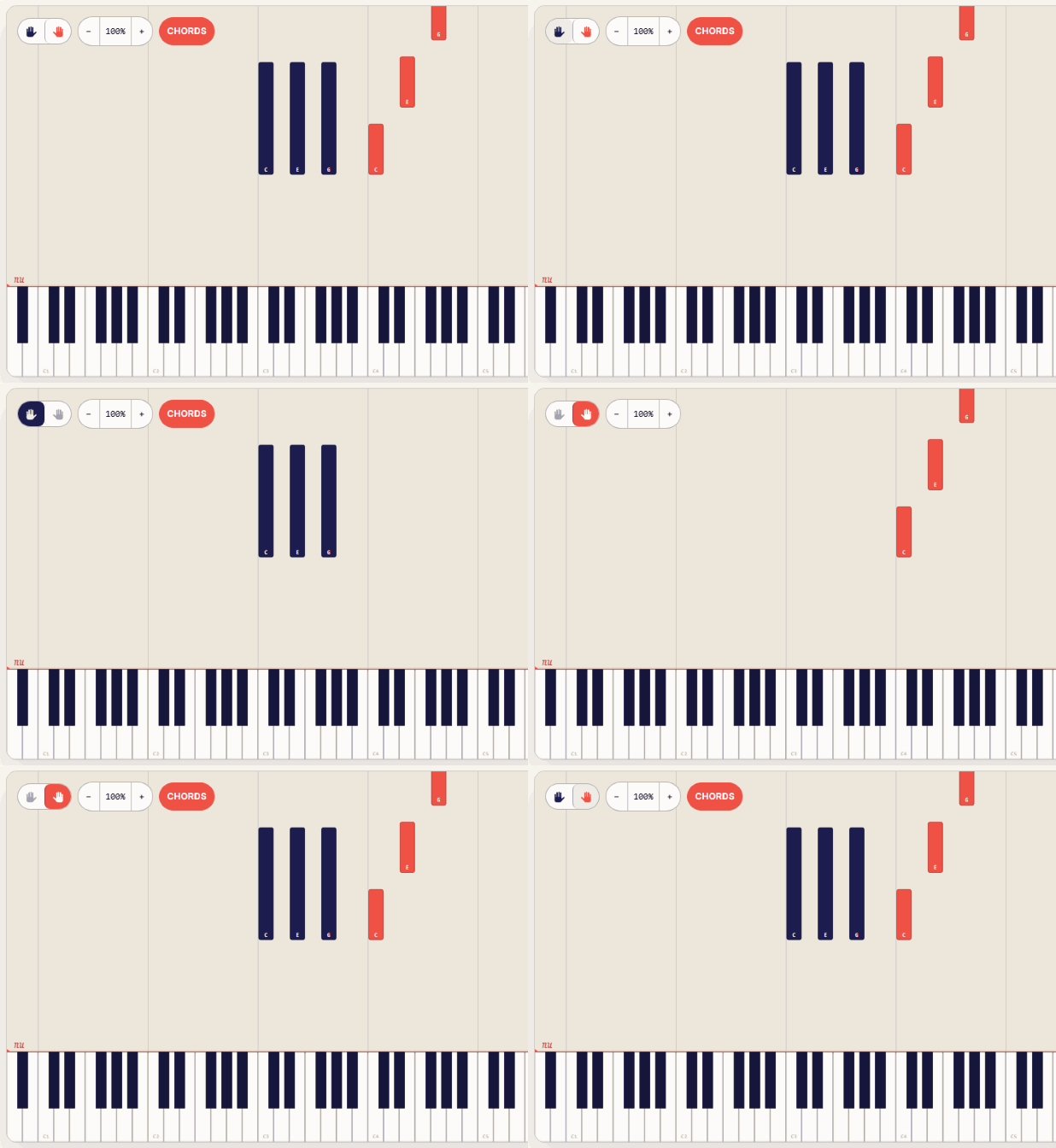
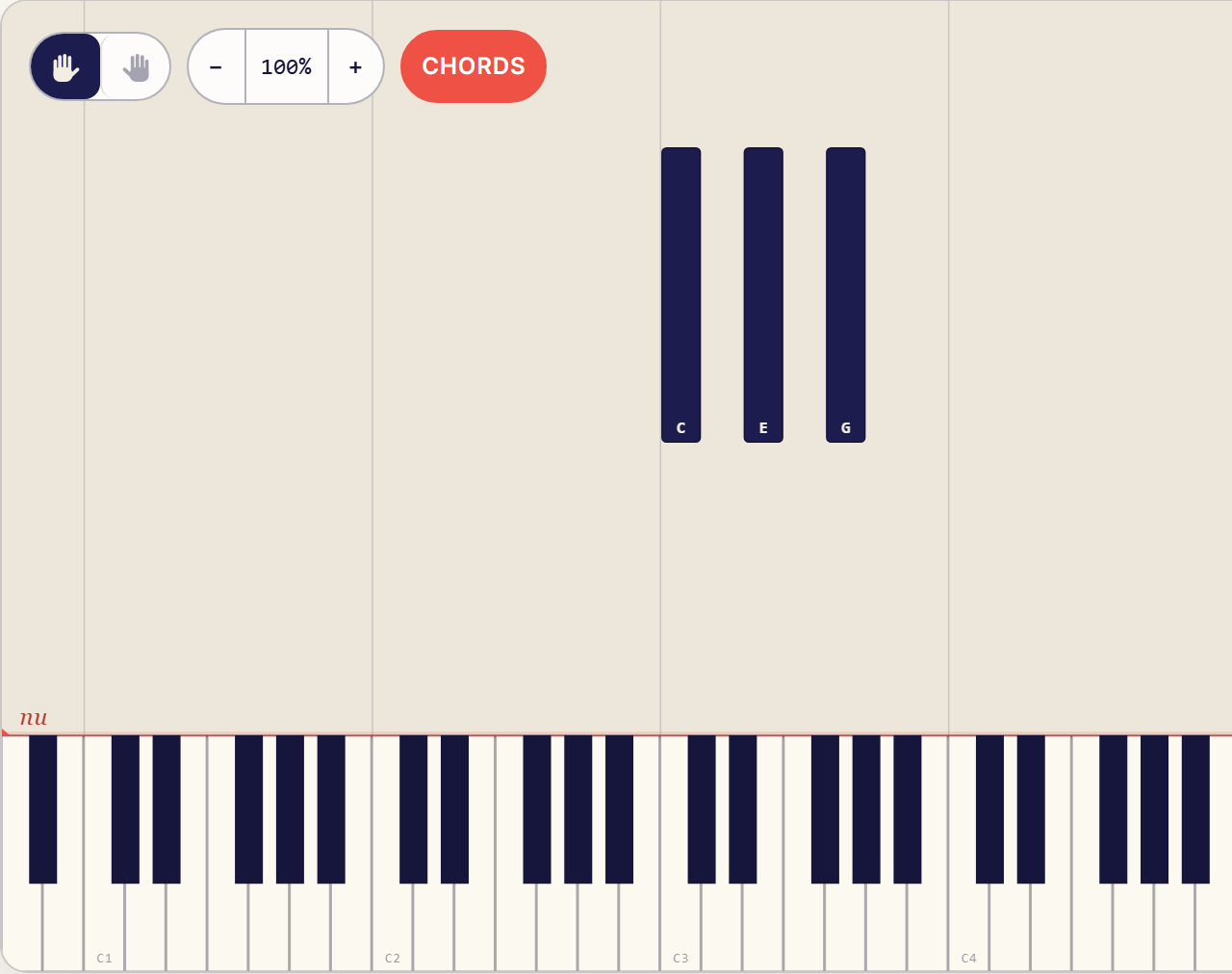
Two little hands sit in the corner, one blue and one orange. Click one and only that hand is left on screen. Click it again and both come back. Handy when one hand runs ahead of the other.

Switching between the left and right hand

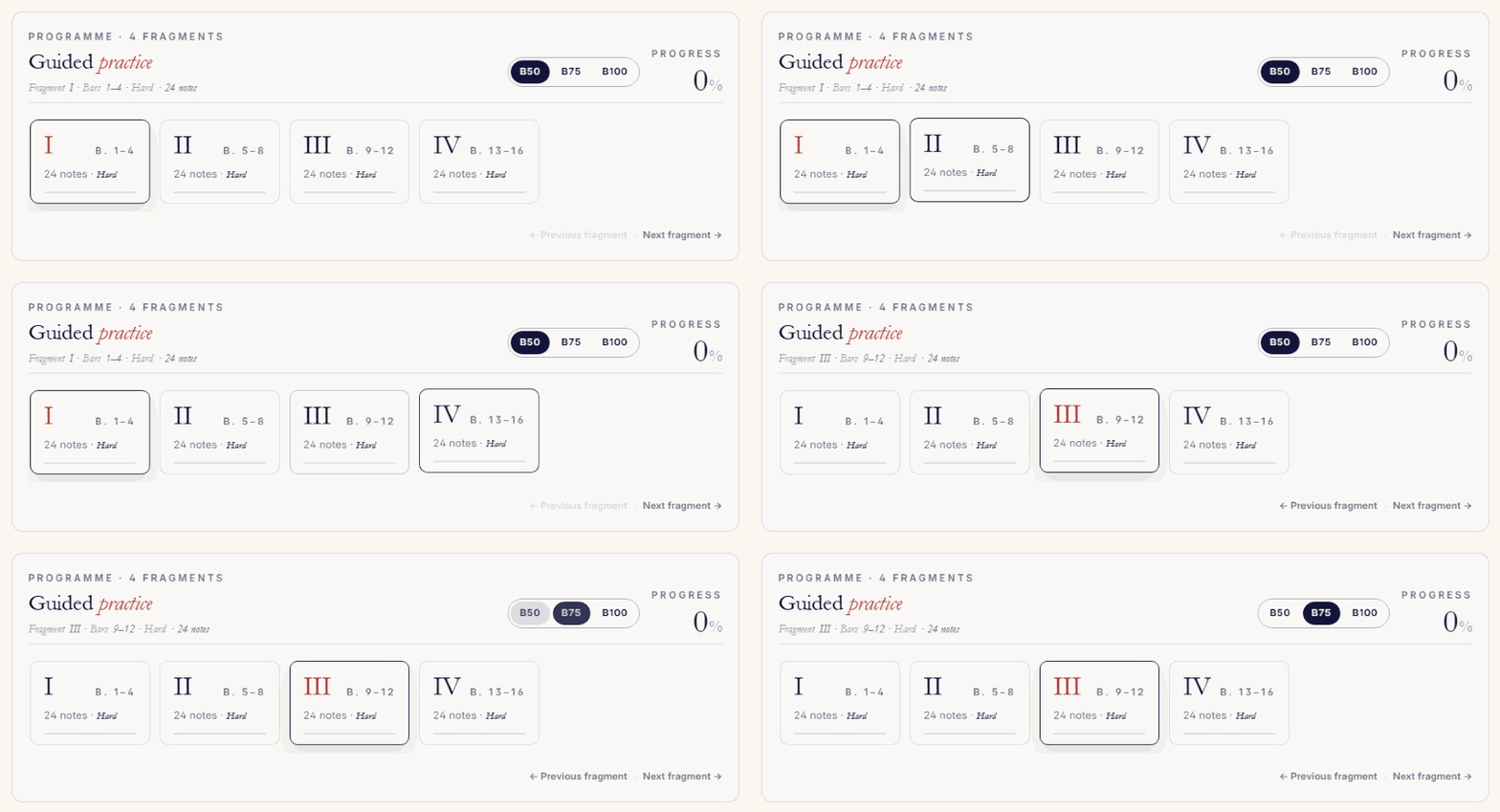
Bit by bit

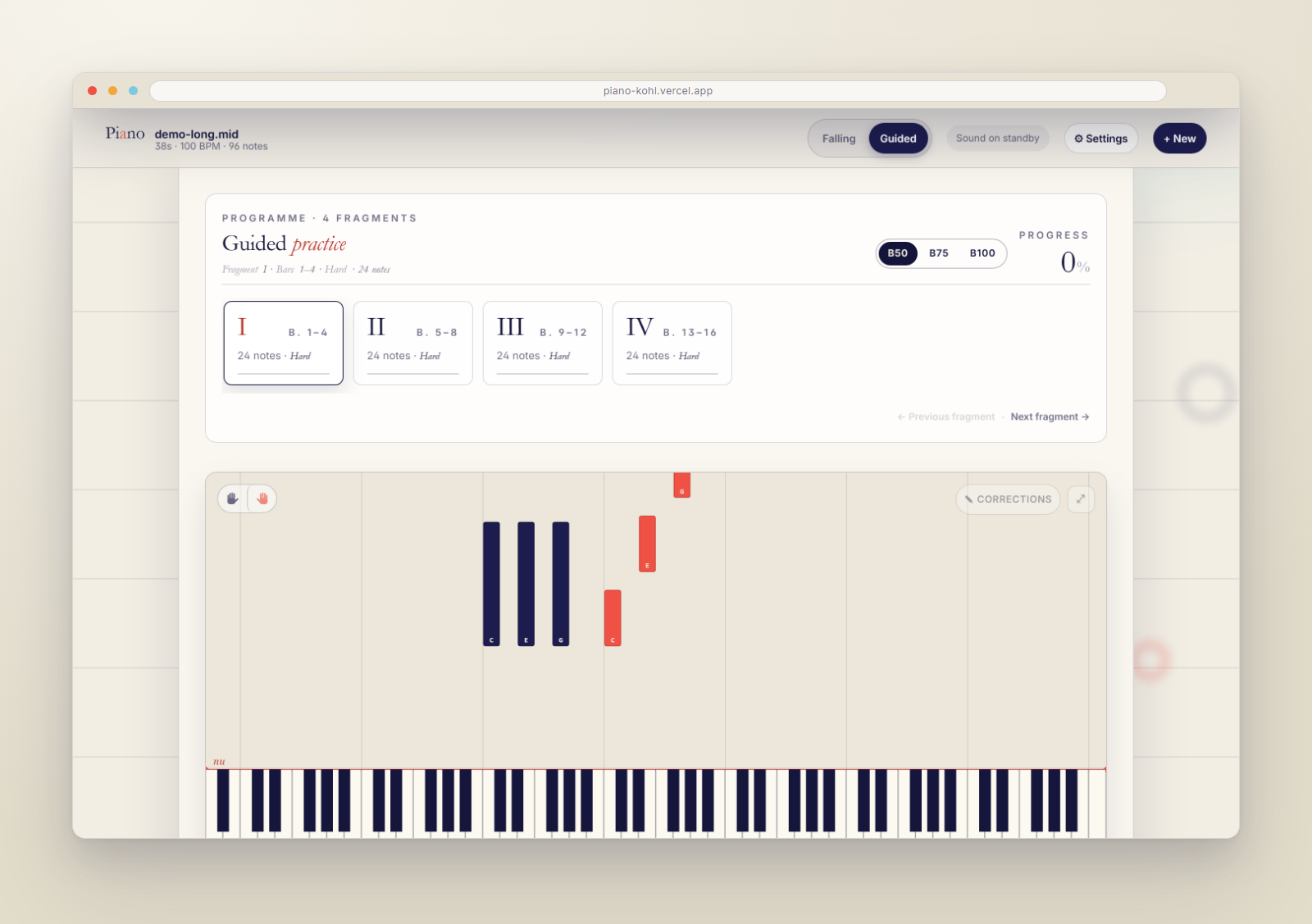
The app cuts the piece into short fragments of a few bars. You take one fragment at a time: first the left hand, then the right, then both together, and each round a little faster. The card keeps track of what you already have.

Working through the piece fragment by fragment

The screens

The same views, standing still.

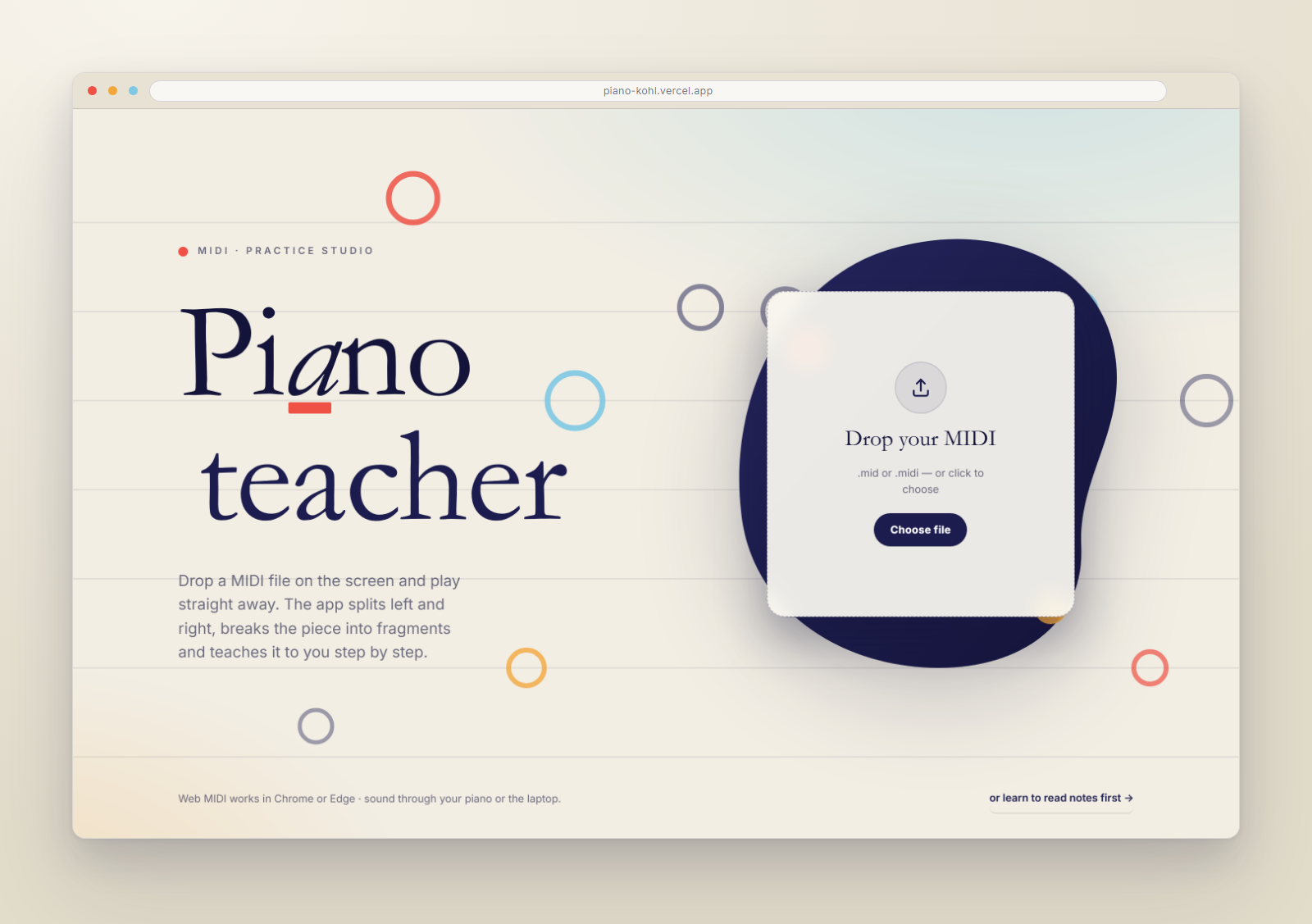
Start screen
Start screen
Playing along
Playing along
Practising bit by bit
Reading a file
Reading a file

Blue is left, orange is right

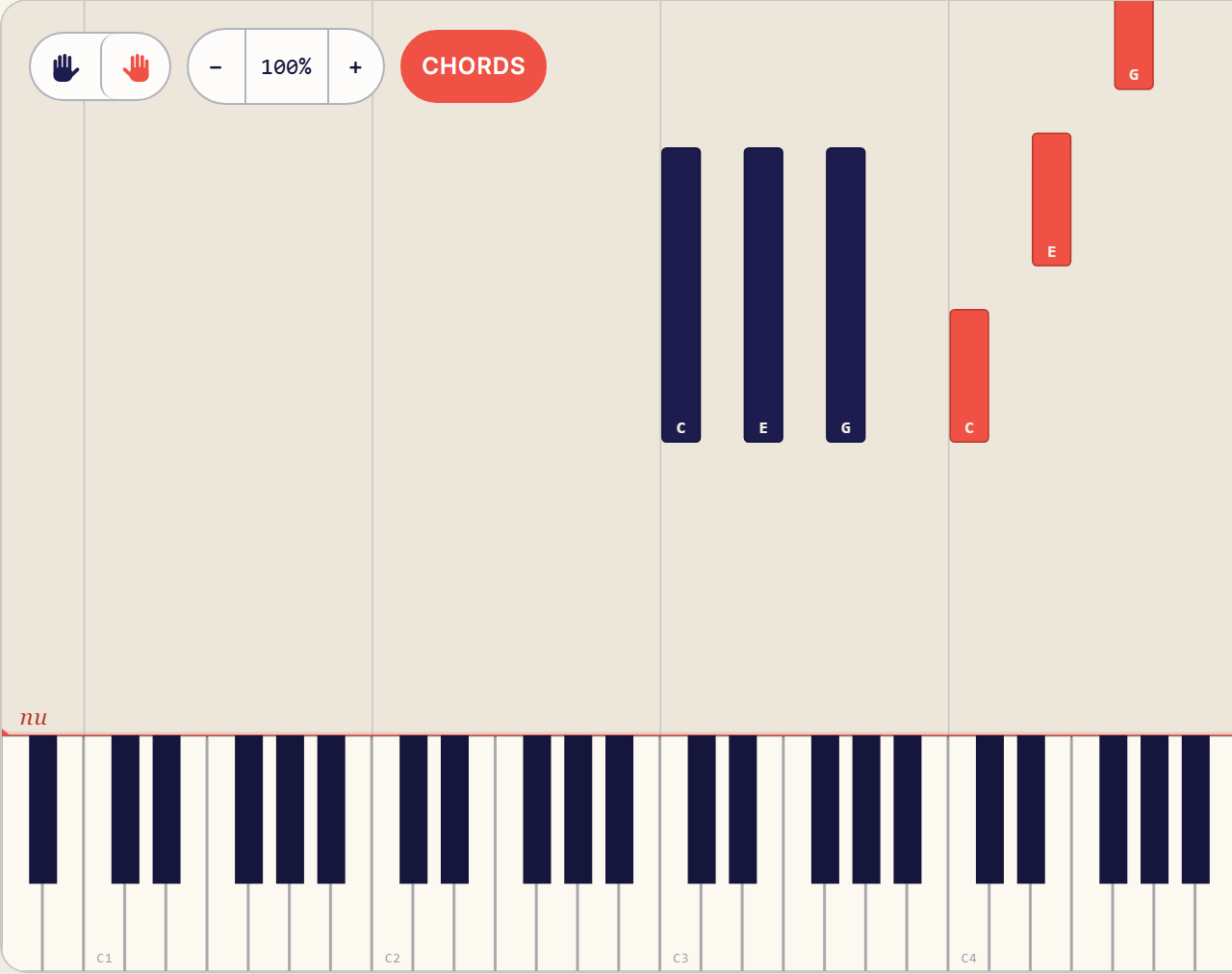
The same two colours run through the whole app: the notes, the keys, the practice steps. Both colours lit means you are playing with both hands. Pick one and it fills in, so you can see in a second which hand you are working on.

Both hands
Both hands
Left only
Left only
Right only
Right only